Everything it does, and who it is for.
Everything PodiumBase does for an event, grouped by the job it does for you, with one line on what each capability does and who actually touches it. Nothing here is a roadmap item.
Bring athletes back
Photos turn race day into next year’s field.
AvailabilityCore photo delivery available · discovery and personalization vary by event
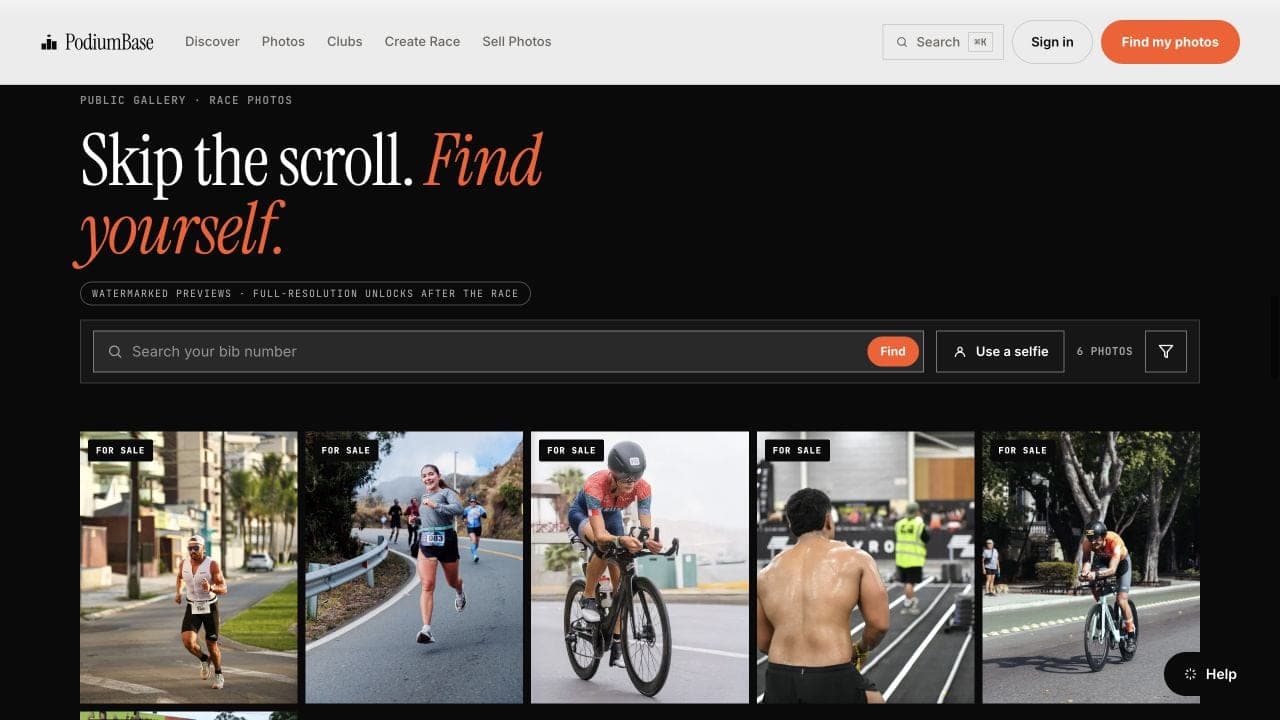
Event gallery
A public gallery for the event, run in free or paid mode, that you review before it goes live.
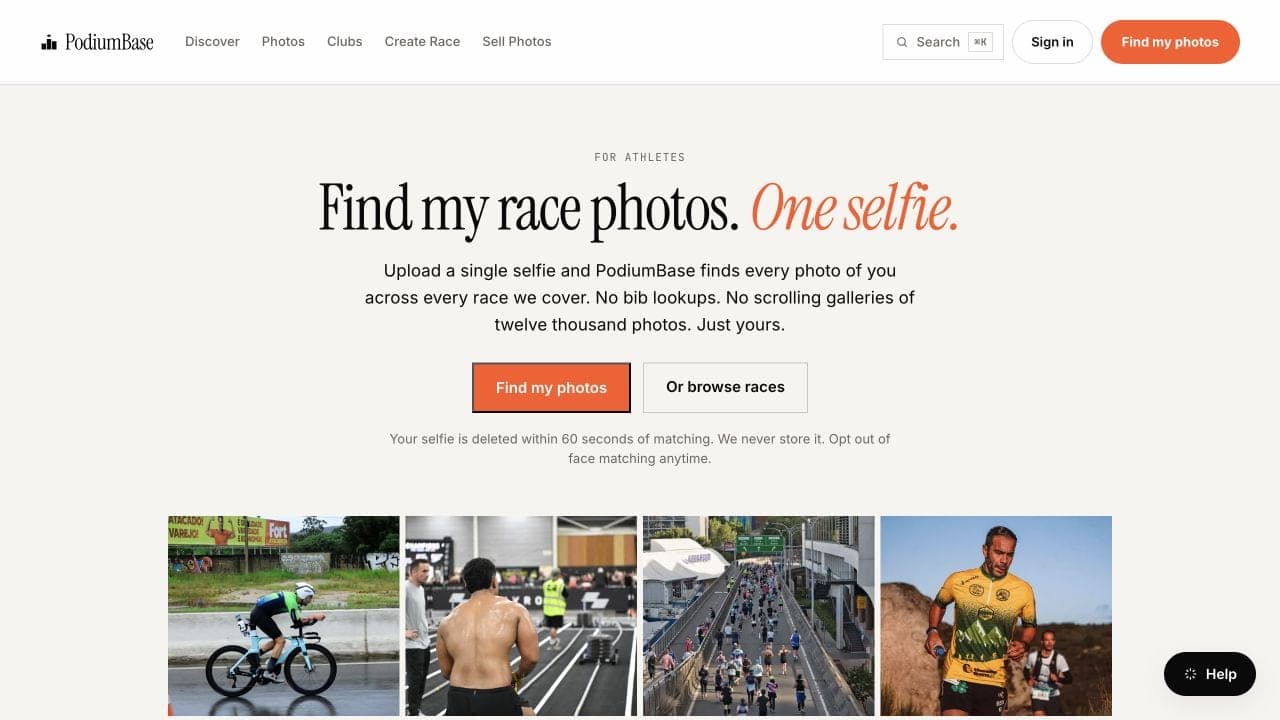
Photo + bib search
Athletes type their bib number and get their own photos, when the event supplies a roster and bibs match.
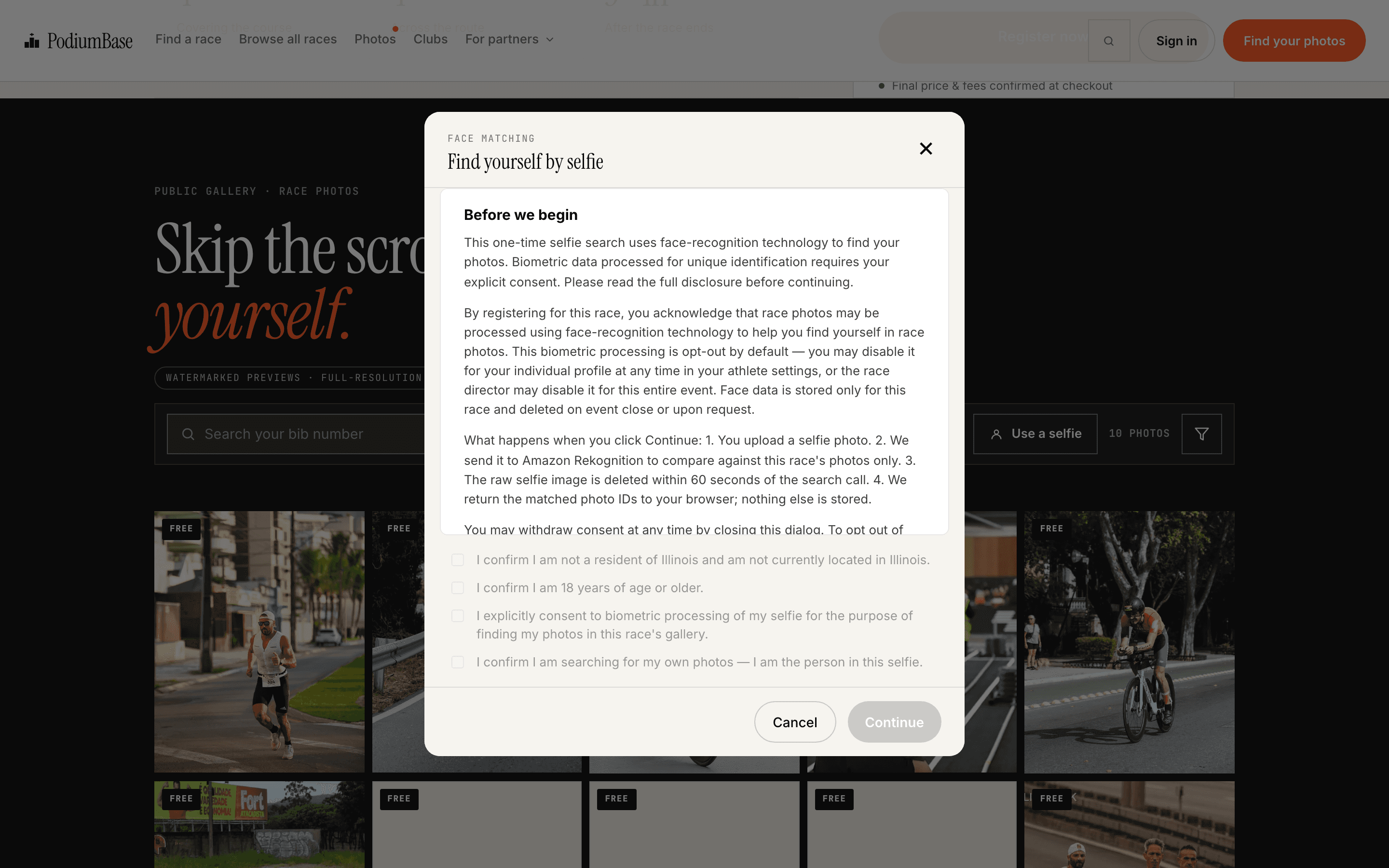
Selfie discovery
Where event, account, consent, age, and jurisdiction gates allow it, eligible adult accounts may use a consented, one-time selfie search to find likely matches inside your event gallery.

Finisher certificates
A downloadable finisher certificate generated from the imported result, free to the athlete.
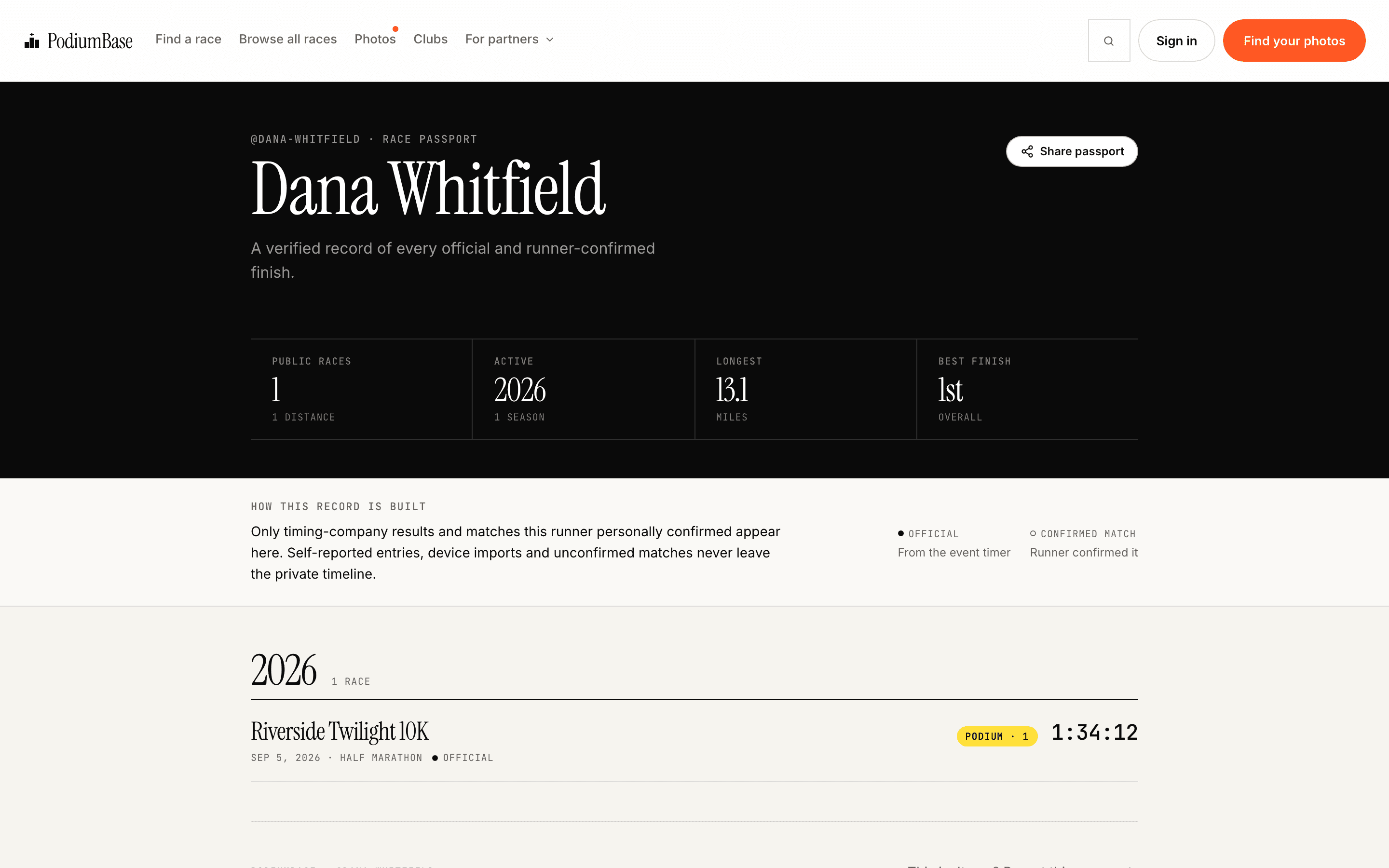
Runner Passport profiles
Each athlete accumulates a race history and media library, so your event is part of a record they keep rather than a one-off download.
Run the event
The event page, checkout, and roster, built around the registration you already run.
AvailabilityExternal registration available · native checkout in limited release

Event page and branding
Dates, distances, venue, course, schedule, cover image, and your organization’s logo and colors. This is an event page, not a custom-domain website builder.

Roster import and bib assignment
Build the athlete roster by supported sync or import, or enter it by hand, then assign and correct bibs.

Keep RunSignup, Race Roster, UltraSignup, or Active
External mode leaves registration exactly where it is. PodiumBase links athletes from the event page and adds everything around it.
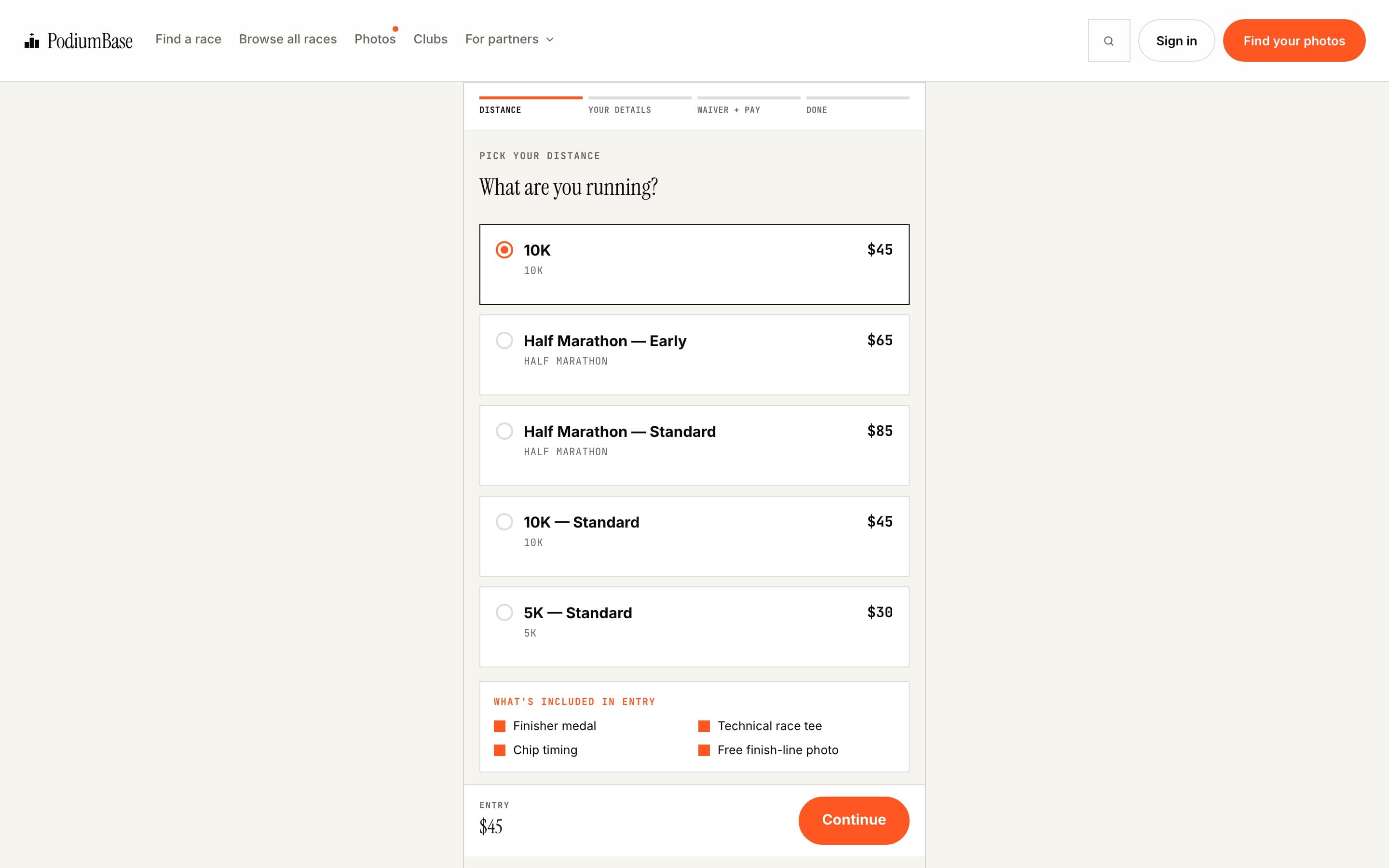
Native registration
PodiumBase-hosted checkout with ticket types, pricing tiers, participant questions, and waivers, for events enabled for it.
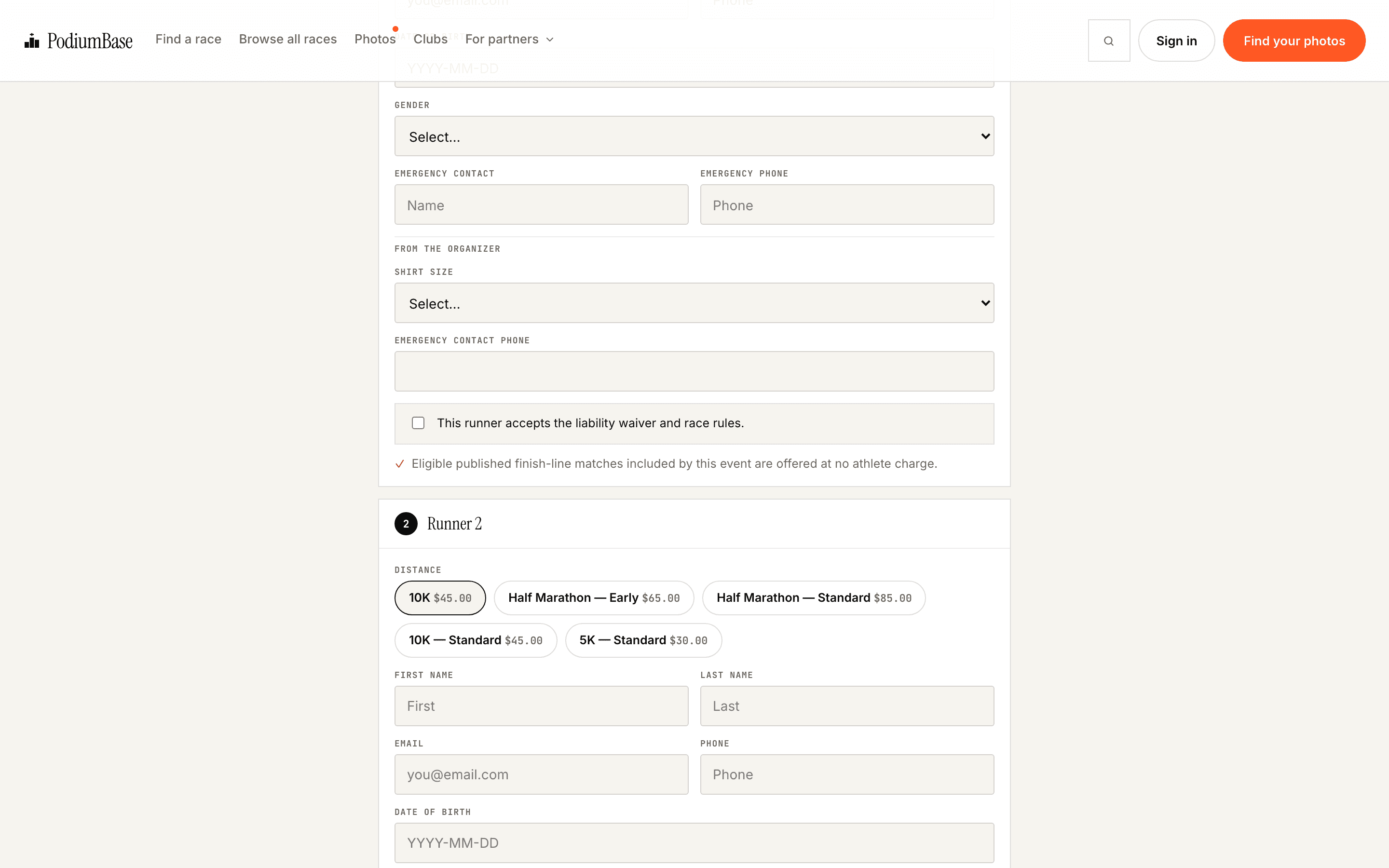
Group/family cart
Register several people in one cart and one payment on native checkout.
Operate race day
One live board for every station, race morning without a clipboard.
AvailabilityConfigured during event activation
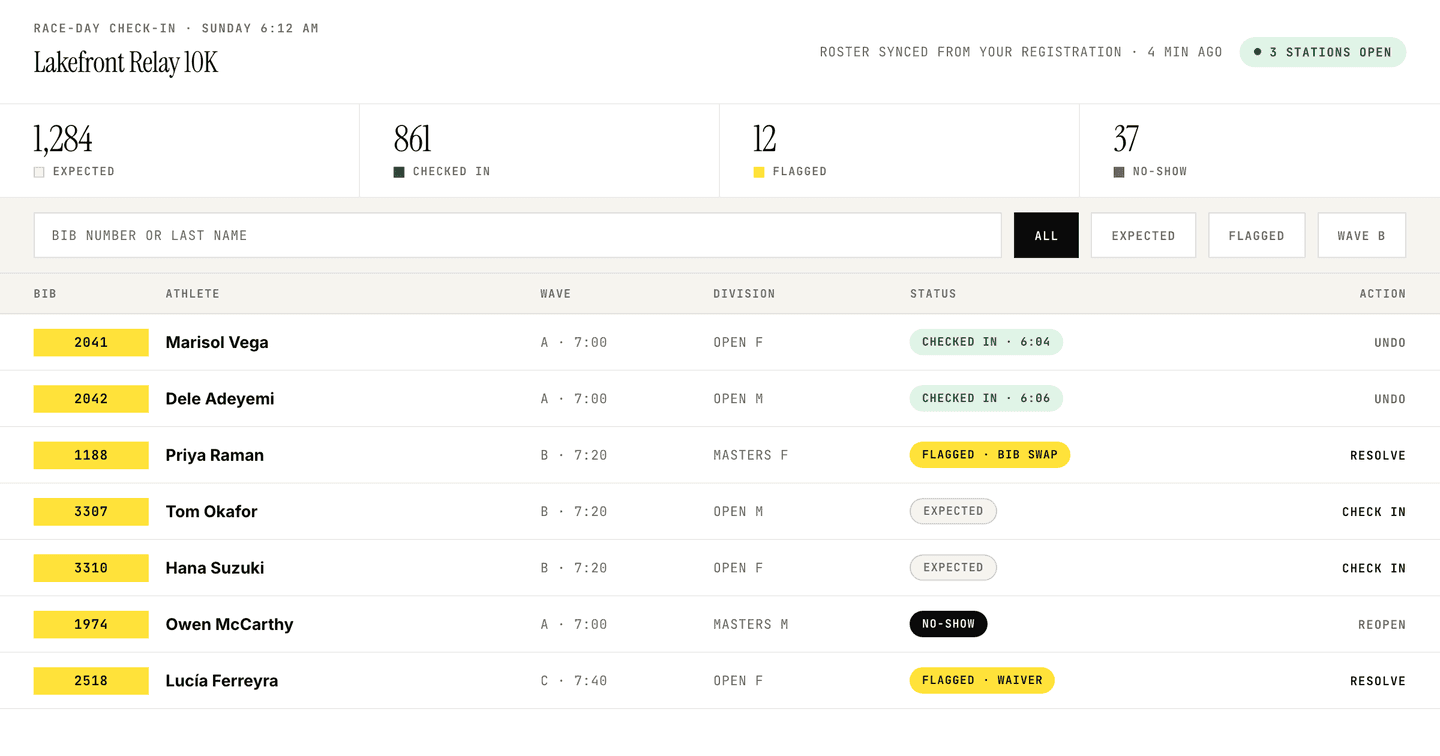
QR check-in
Athletes check in by QR against your roster, from any phone or tablet at any station. Online-first, not offline timing software.

Bib lookup
Search the roster by bib number or name when someone arrives without their code.
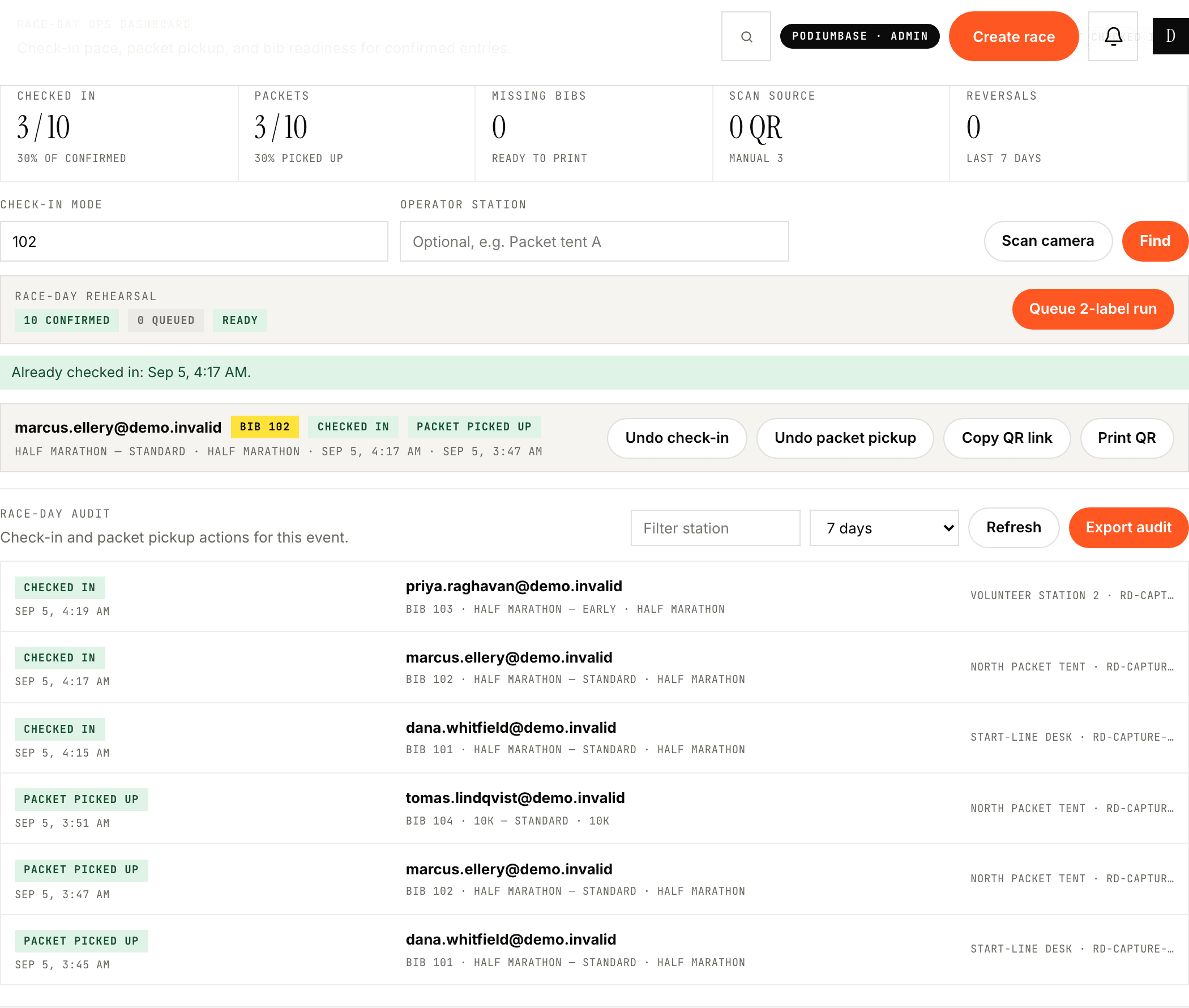
Packet pickup
Record packet handoff against the same roster, so the pickup table and the check-in table are one list.
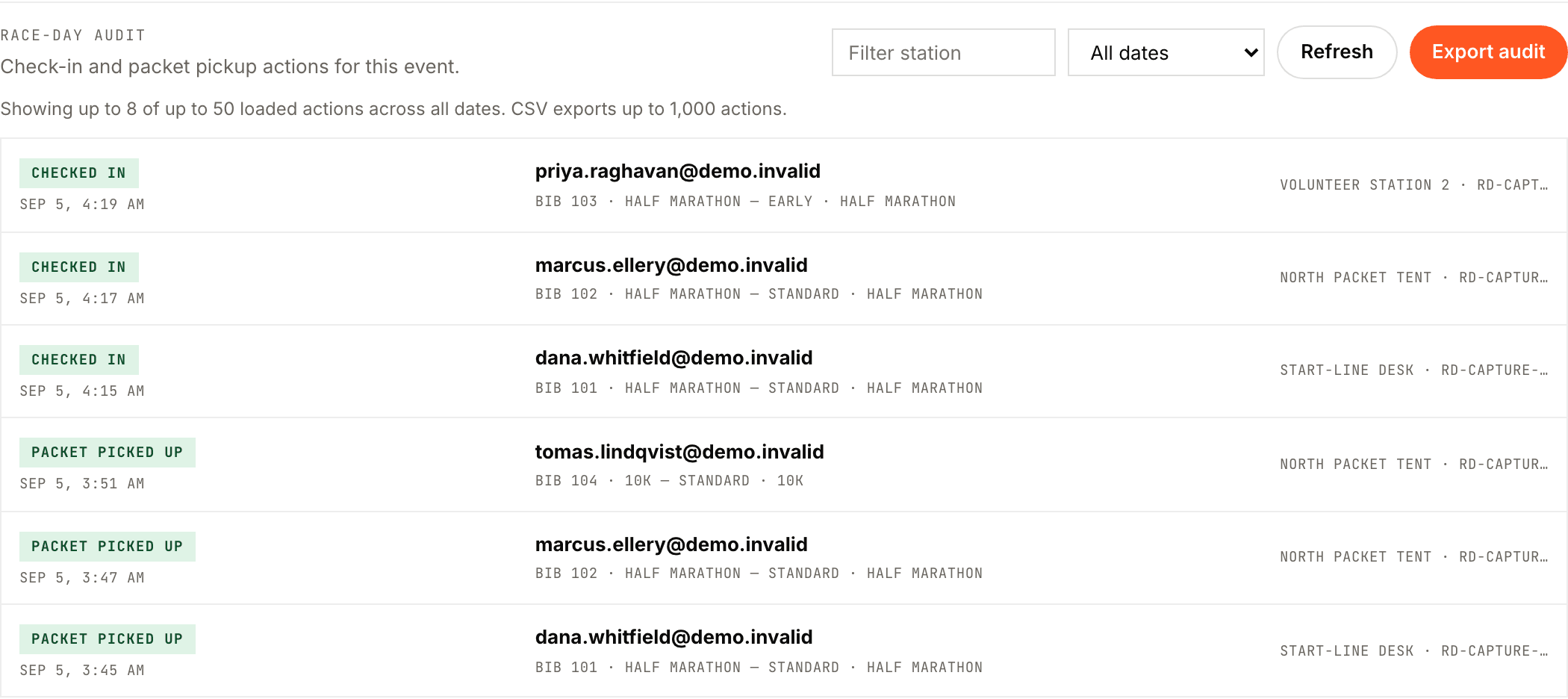
Check-in audit + CSV
A timestamped record of every check-in, exportable, so the count you report is the count that happened.
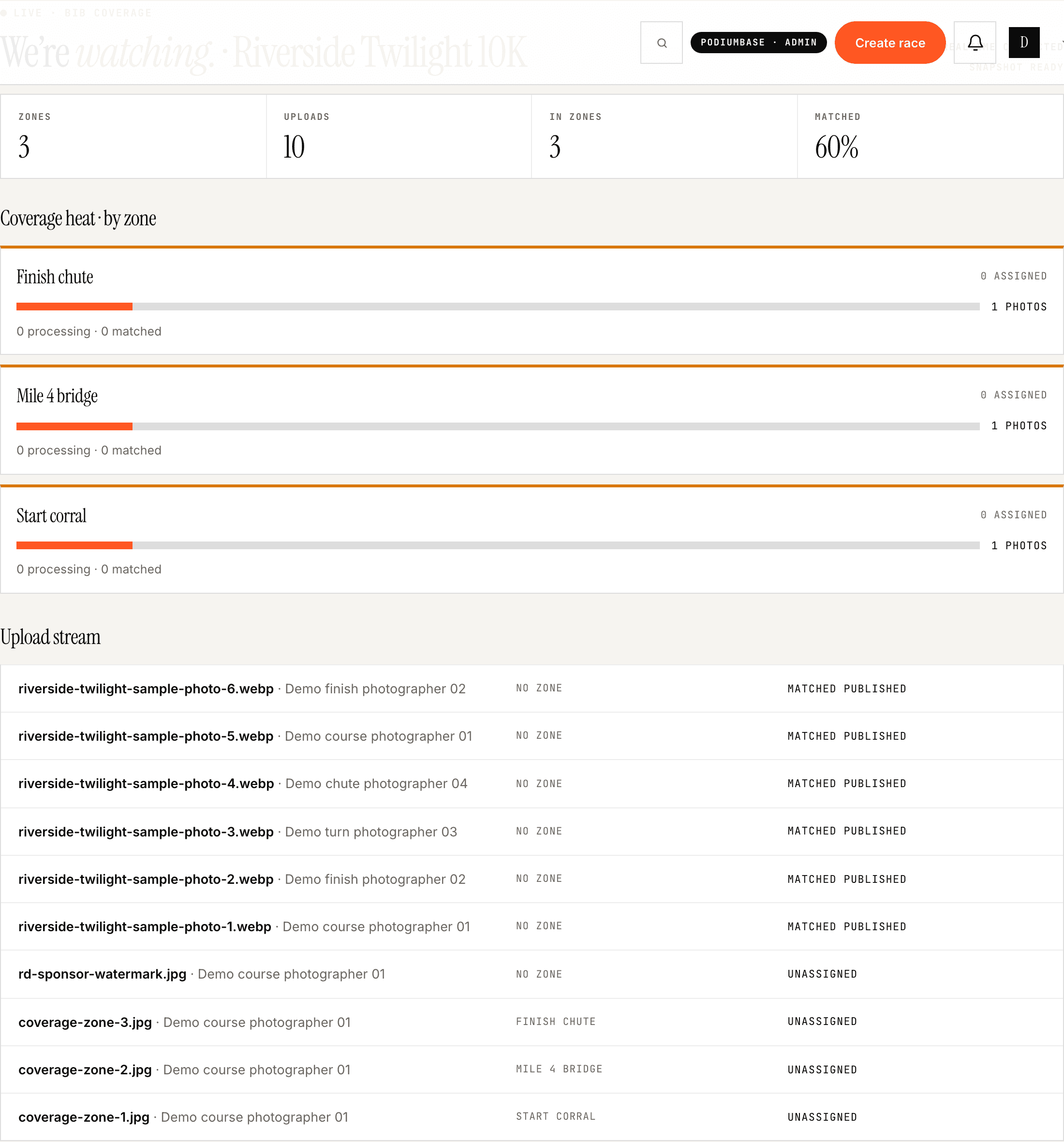
Live race-day gallery
Monitor incoming coverage and publish the gallery while the race is still running.
Every capability in this job is a signature one. Nothing is held back below.
Grow event value
Sponsor inventory your event can actually price, place, and report on.
AvailabilityPackage creation available · marketplace inventory is early and varies by market

Tiered sponsor packages
Build sponsor tiers with defined deliverables and prices, so the conversation is about a product rather than a logo favor.

Gallery placements
Place a sponsor on the event page and inside the gallery, where athletes actually spend their attention.
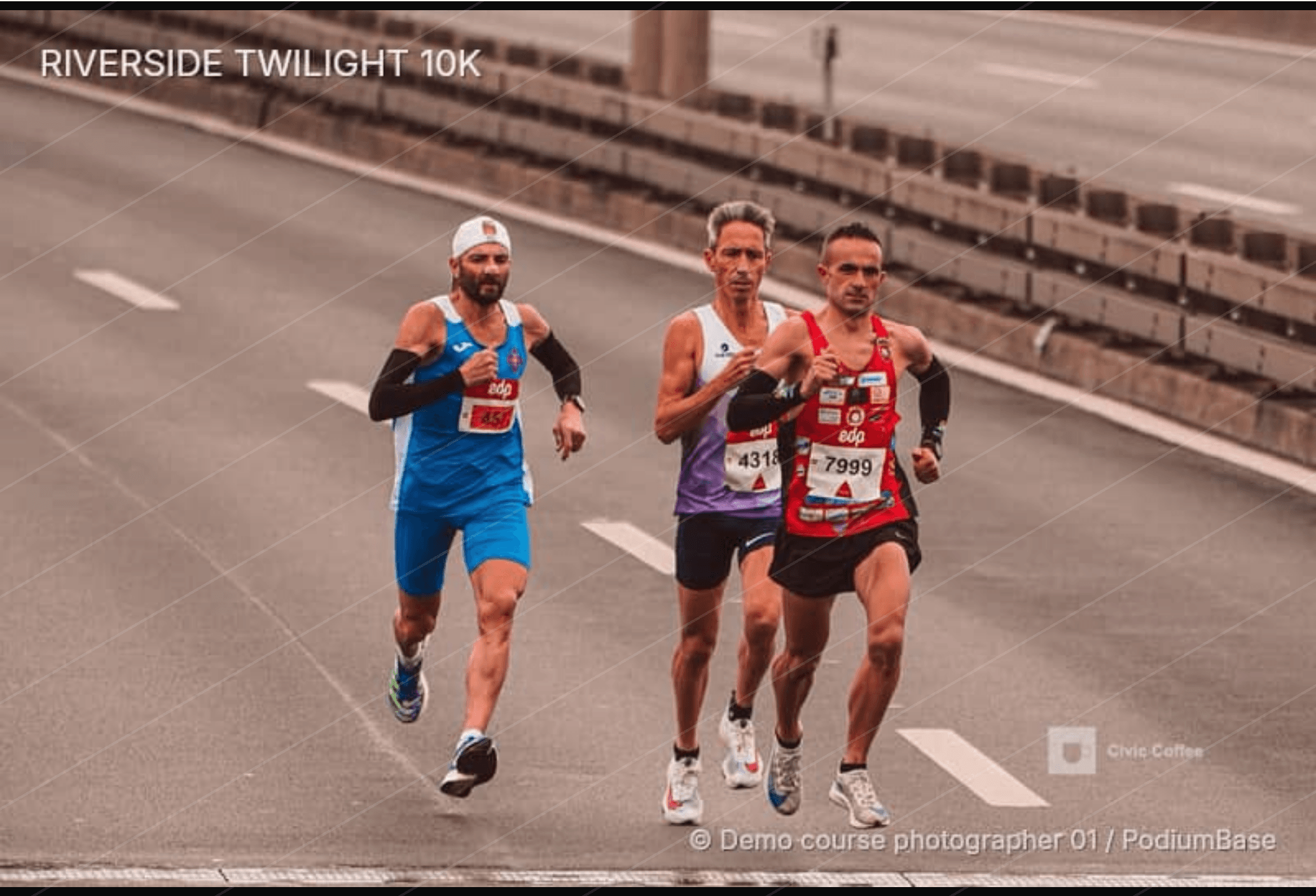
Sponsor watermarking
The sponsor’s mark rides on previews and on free downloads, so it travels wherever athletes share. Purchased photos are delivered clean.

Sponsor orders and checkout
A sponsor accepts your package terms and pays through the supported checkout. You are not invoicing by hand.
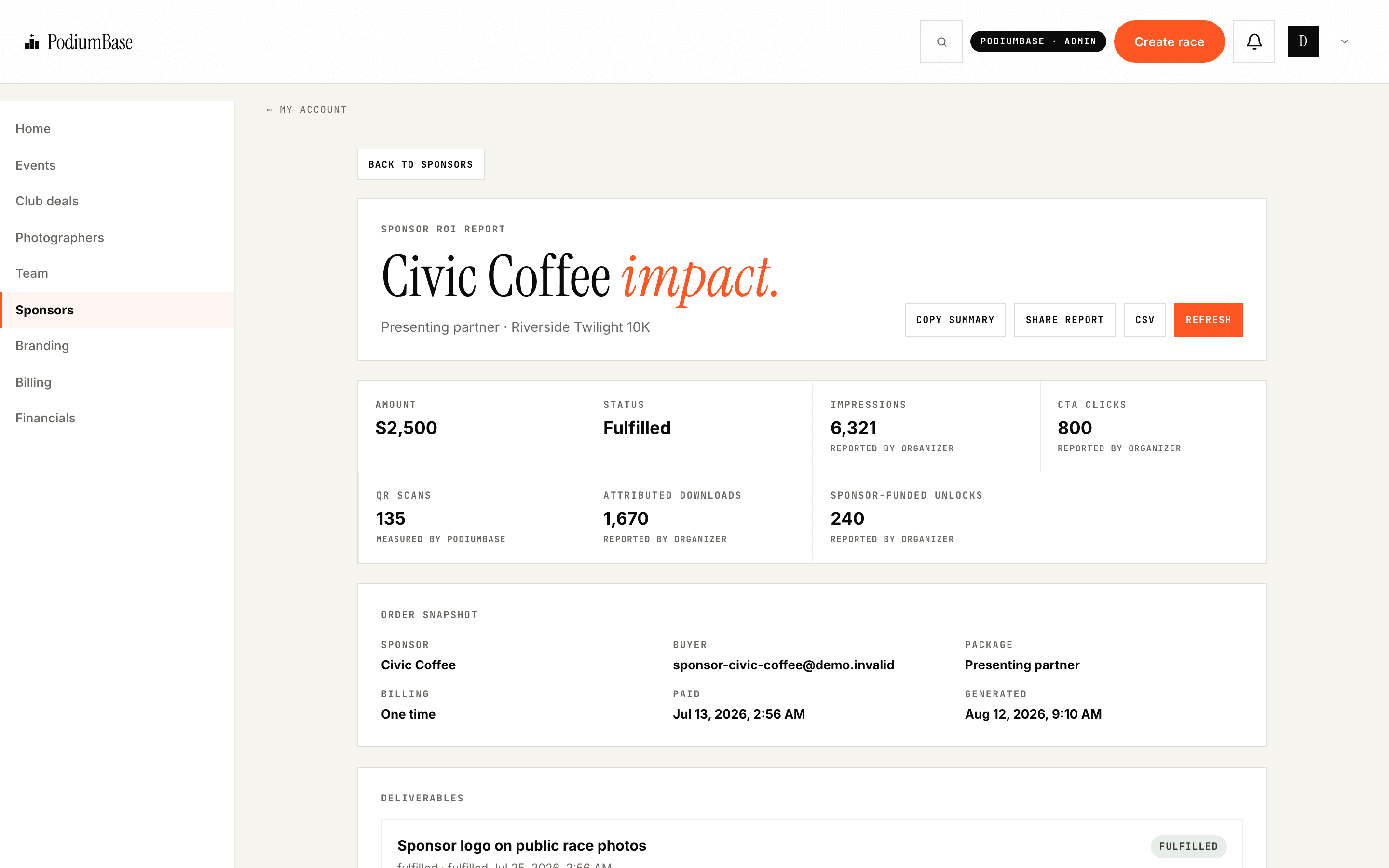
Sponsor performance report
A source-labelled report on the purchased package. It reports impressions, downloads, and shares on the sponsored media, not CRM-grade attribution.
Stay in control
One report per event, numbers you can hand to the board.
AvailabilityControls and reporting depend on event and commerce mode
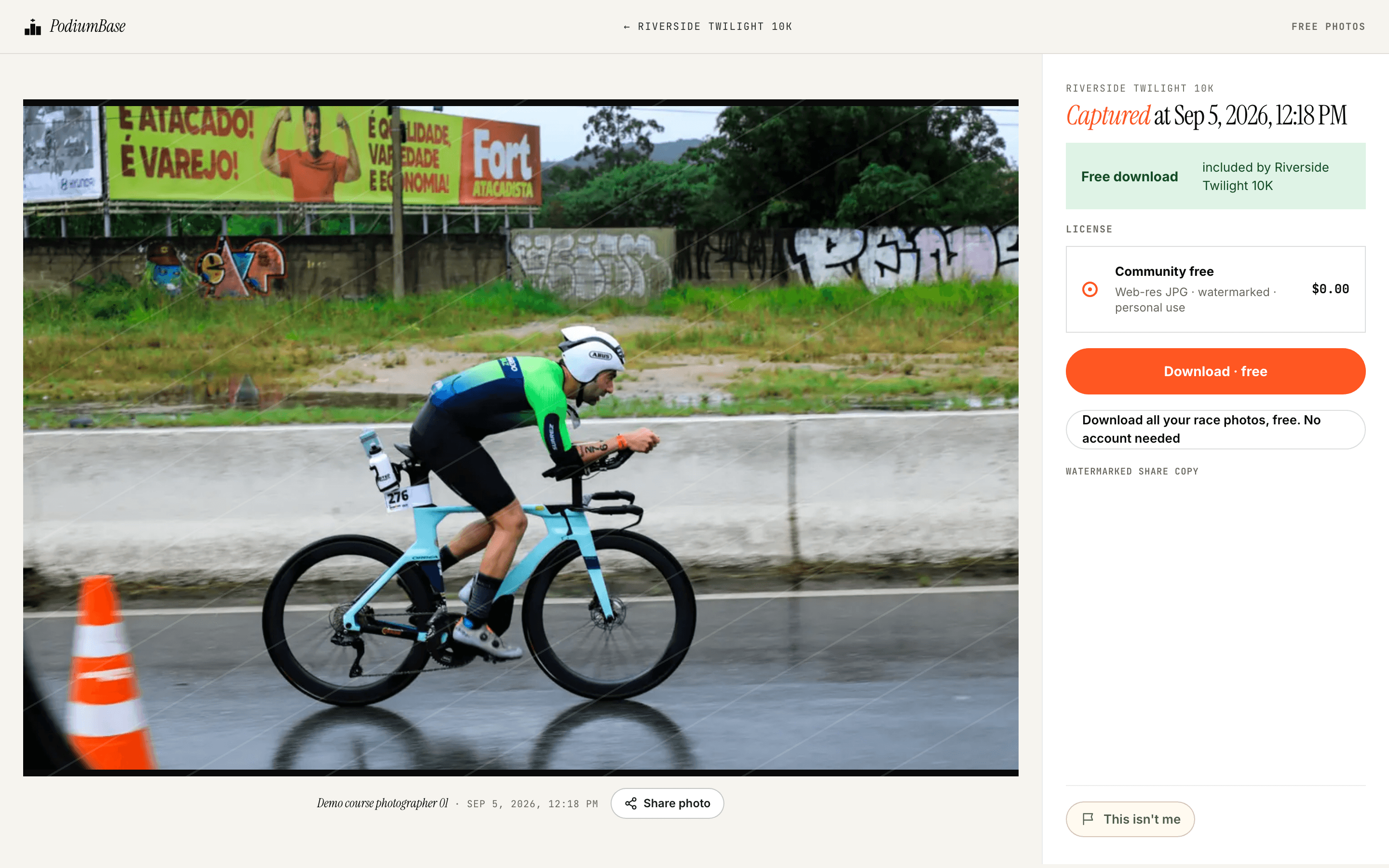
Free or paid galleries
You decide whether athletes pay. A free gallery can be funded by a sponsor instead, and it keeps every discovery and delivery feature.
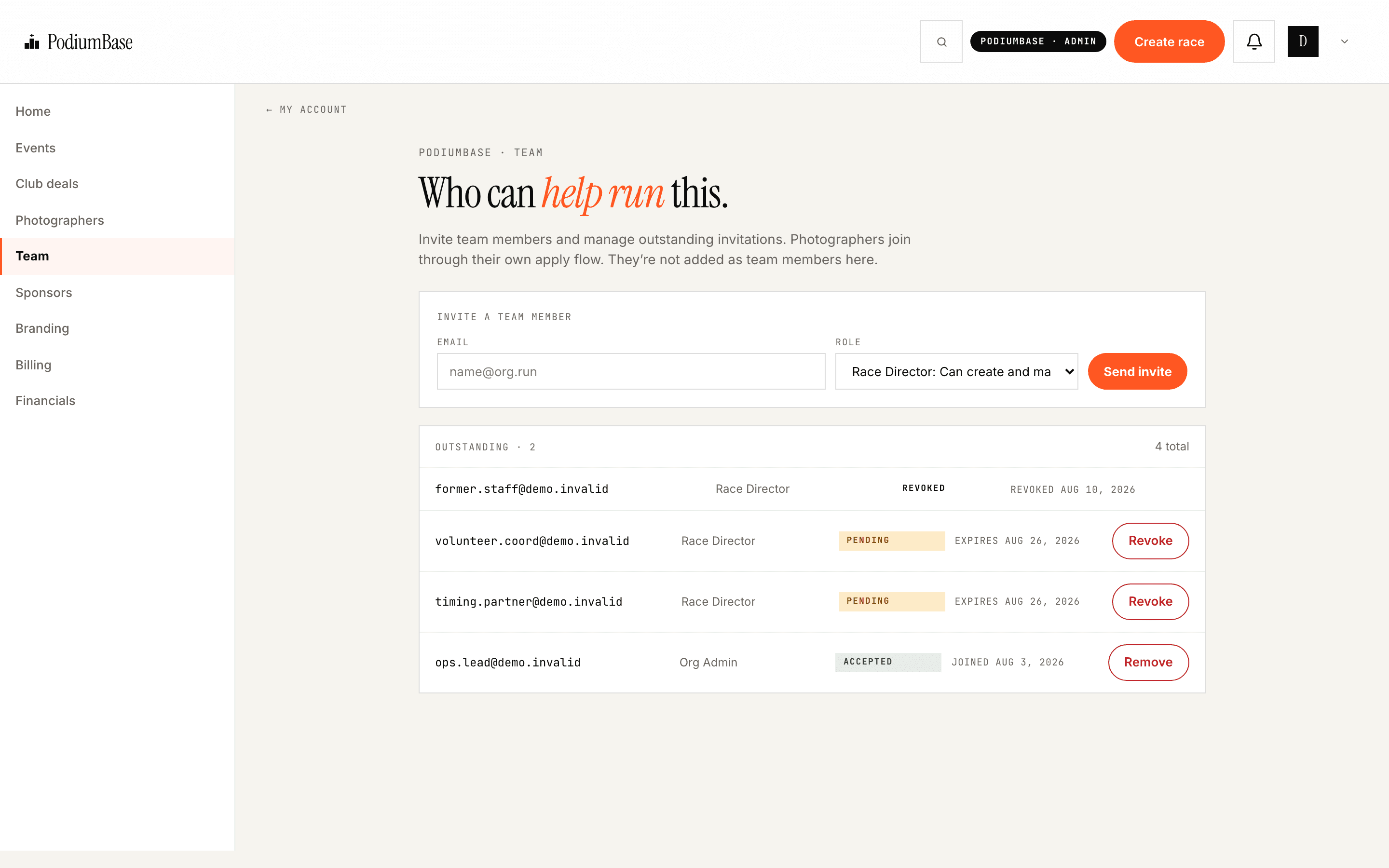
Team access
Invite teammates to the organization with their own logins. This is team access, not a volunteer-management product.
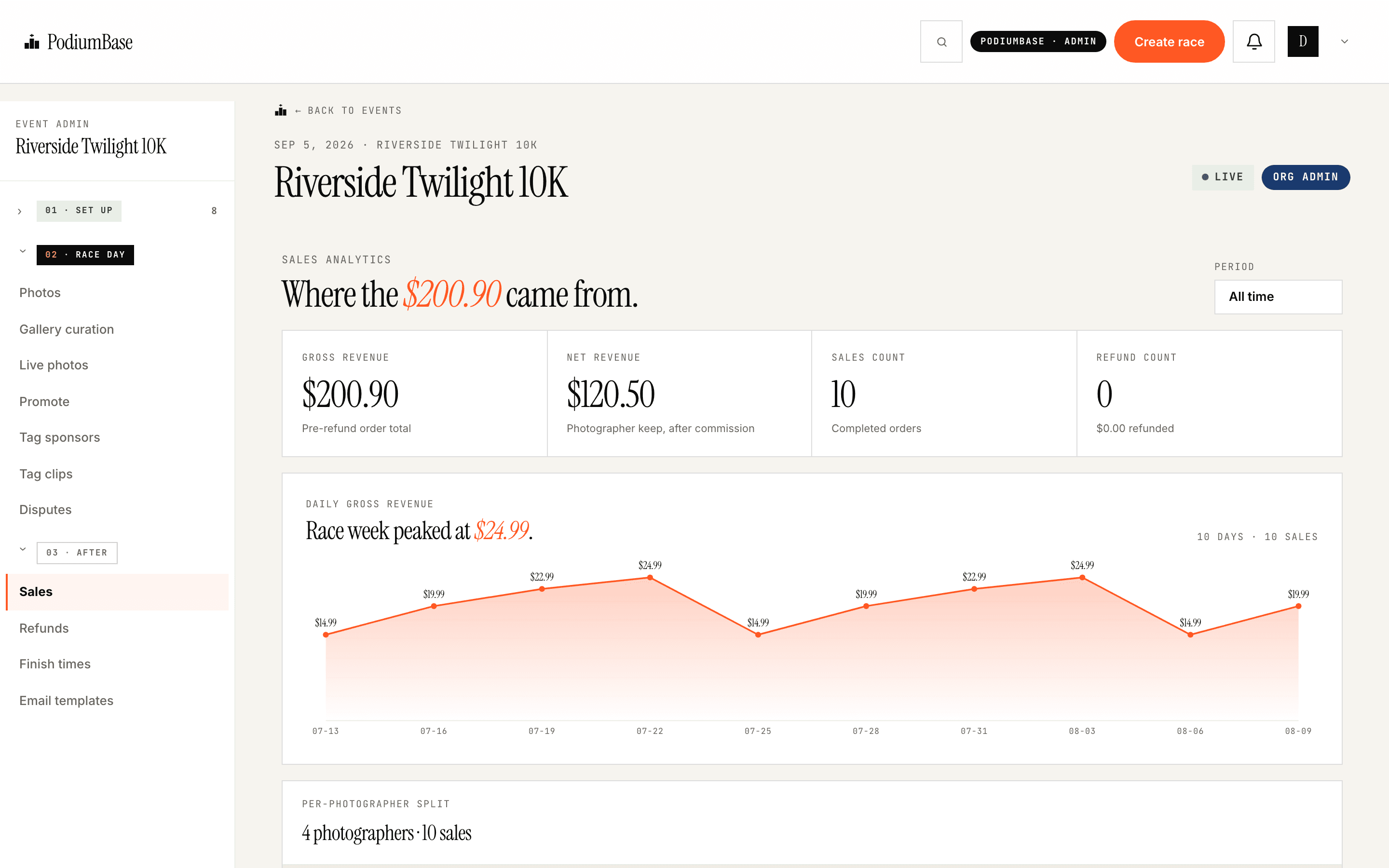
Photo sales dashboard
What sold, when, refunds, and the per-photographer split, per event.
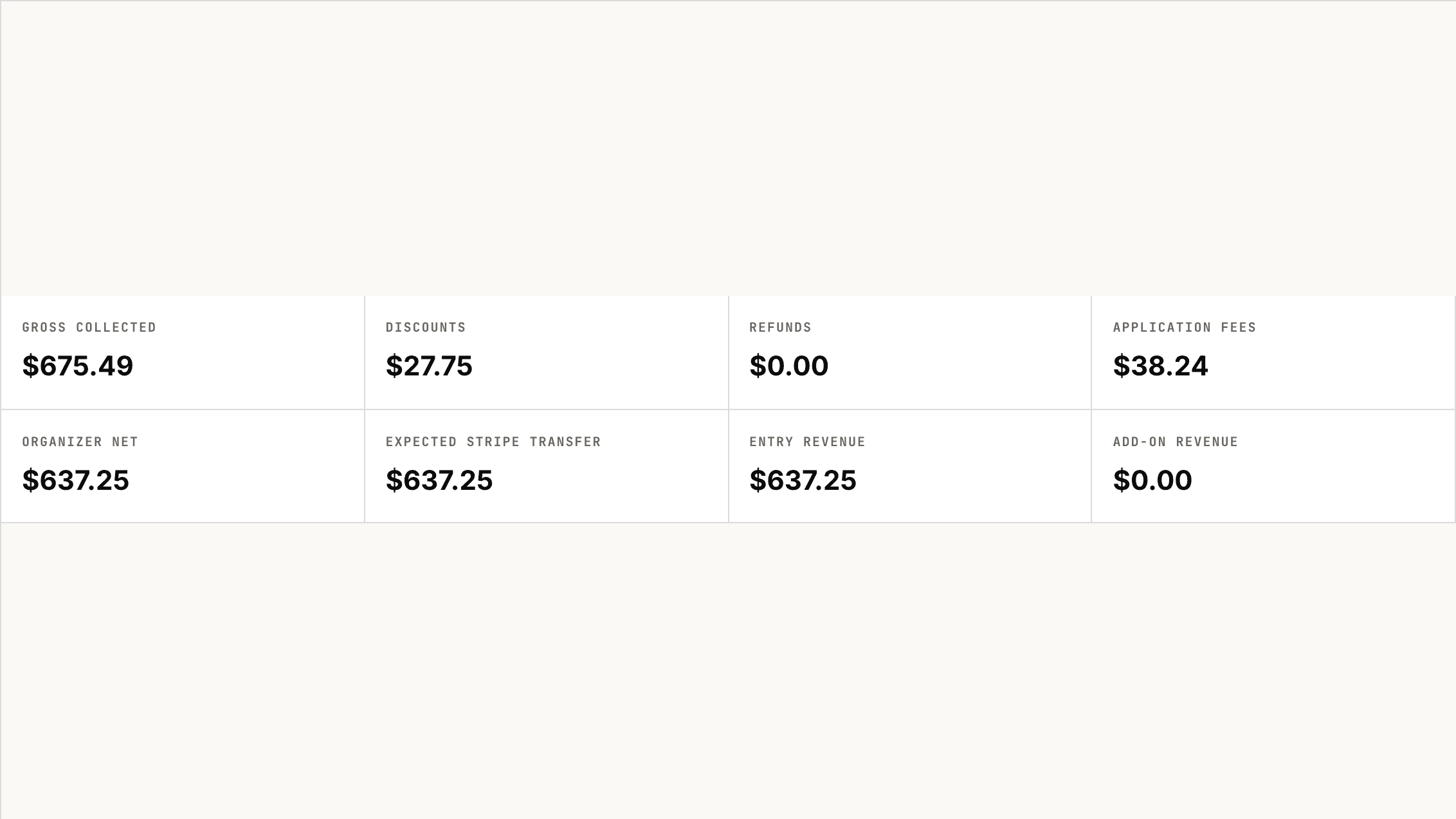
Stripe payouts
Connect the organization’s Stripe account and receive your share as a transfer-backed payout. Bank settlement follows Stripe’s schedule.
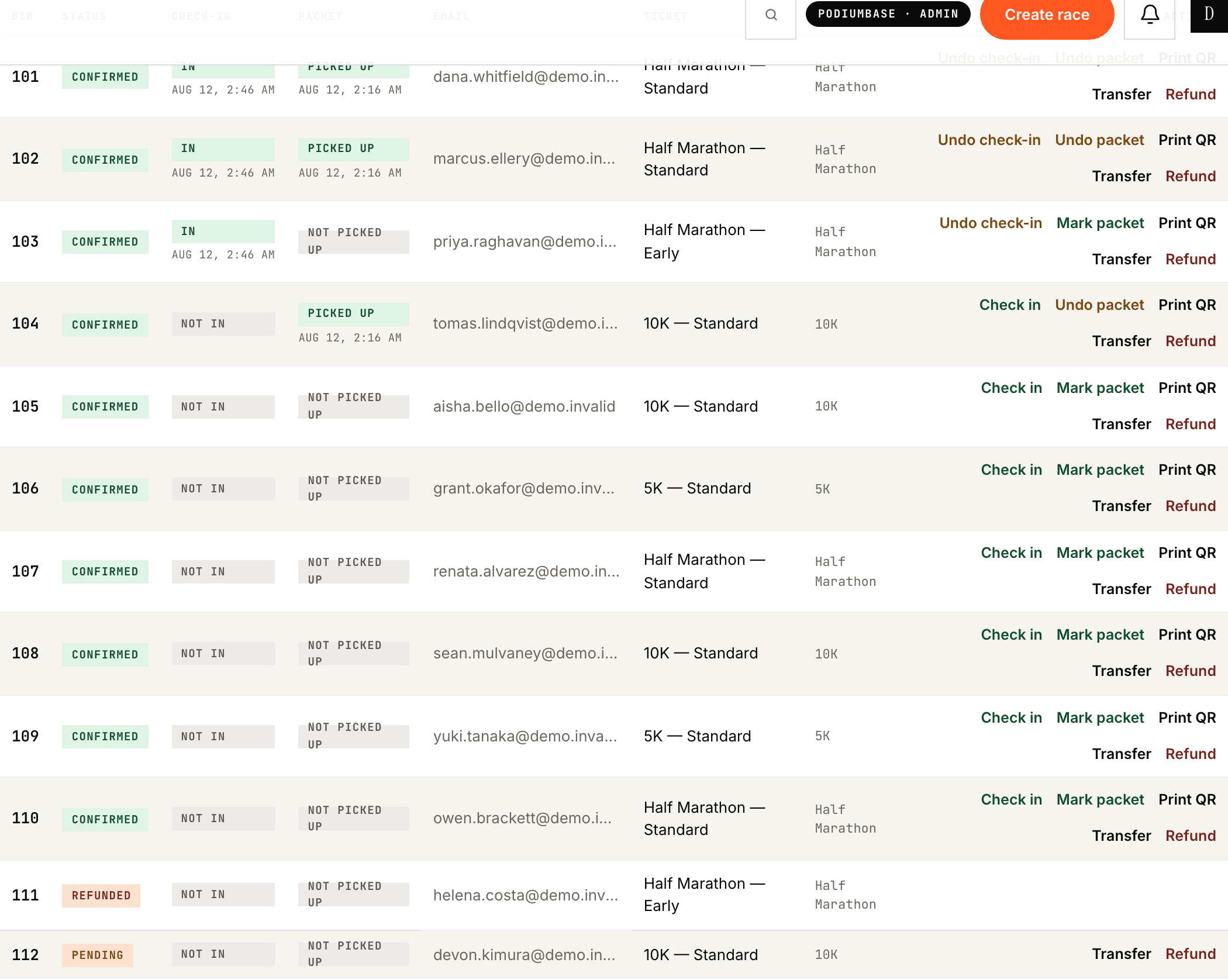
Entry refunds and transfers
Refund or transfer an entry. Which paths are available depends on the event mode and provider; confirm per event.
The things PodiumBase does not do.
Worth reading before you book a call. If one of these is the problem you are trying to solve, we are the wrong vendor, and we would rather you knew now.
We import your timer’s result file and attach finish times to photos, certificates, and athlete profiles. Keep your timer.
You get a branded event page and a permanent public race page. There is no custom-domain site builder.
We send supported event moments to your athletes. General campaigns, lists, and newsletters stay in your tool.
Merchandise and add-ons are line items inside registration checkout, not a shop.
Donations are a line item during registration. Dedicated fundraising pages stay where they are.
Team access gives your staff logins. Volunteer scheduling is not a PodiumBase product.
You get per-event financial reporting and CSV exports to hand to whoever does your books.
Know what is available before you promise it.
Pick one upcoming event and make the workflow visible.
We will confirm which capabilities are available for your event, which belong in the first activation, and which are still in limited release.